Enterprise access
Company email and password.
Digi-QAL Dashboard prepares and reviews the operation. DQAL Rapport guides inspectors through the field work—step by step, evidence by evidence.
The dashboard form attaches the inspection date, form, technician, client, supplier, order number, article reference, requested quantity, packaging mode, inspection level and AQL before field work starts.
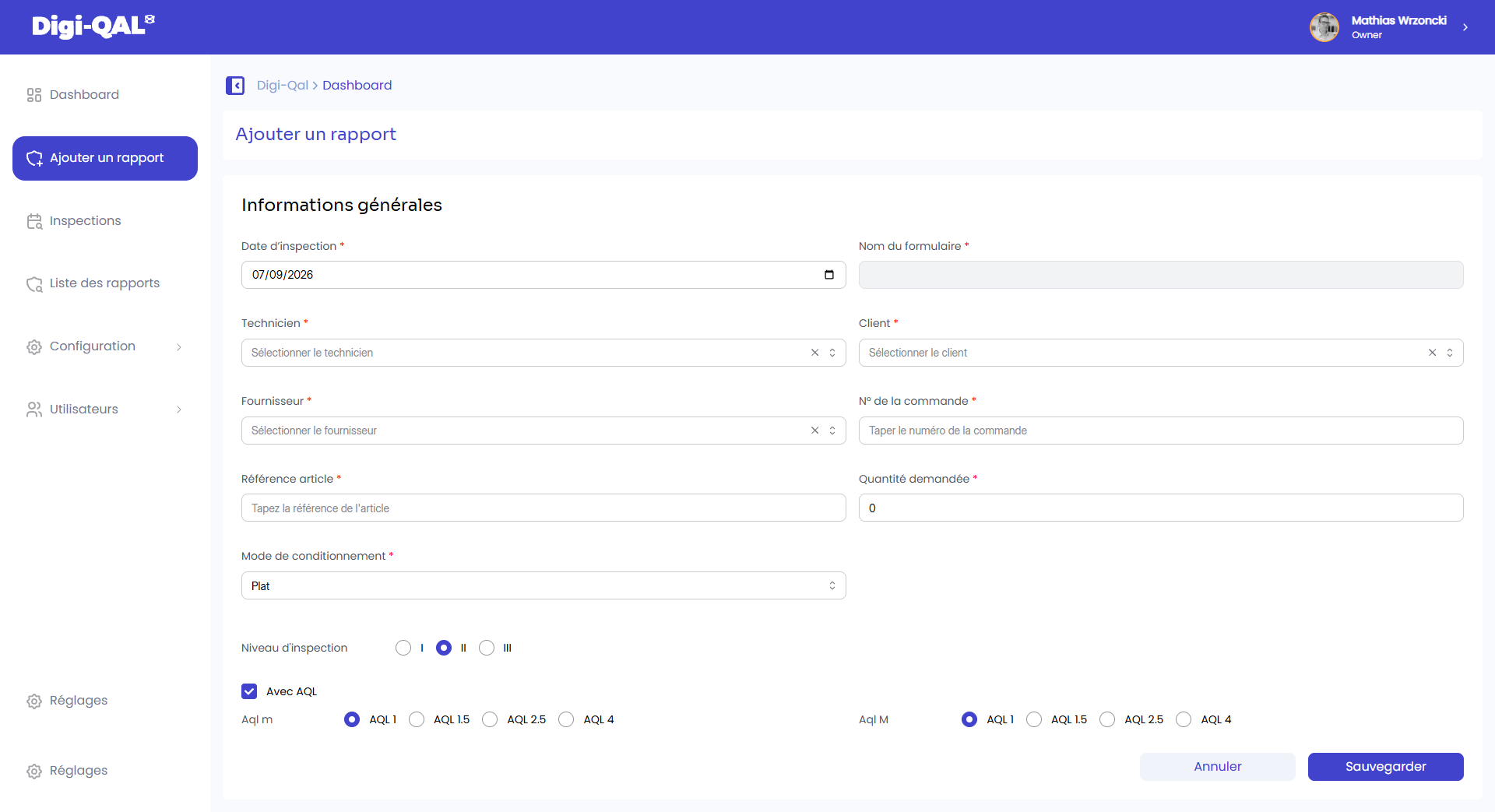
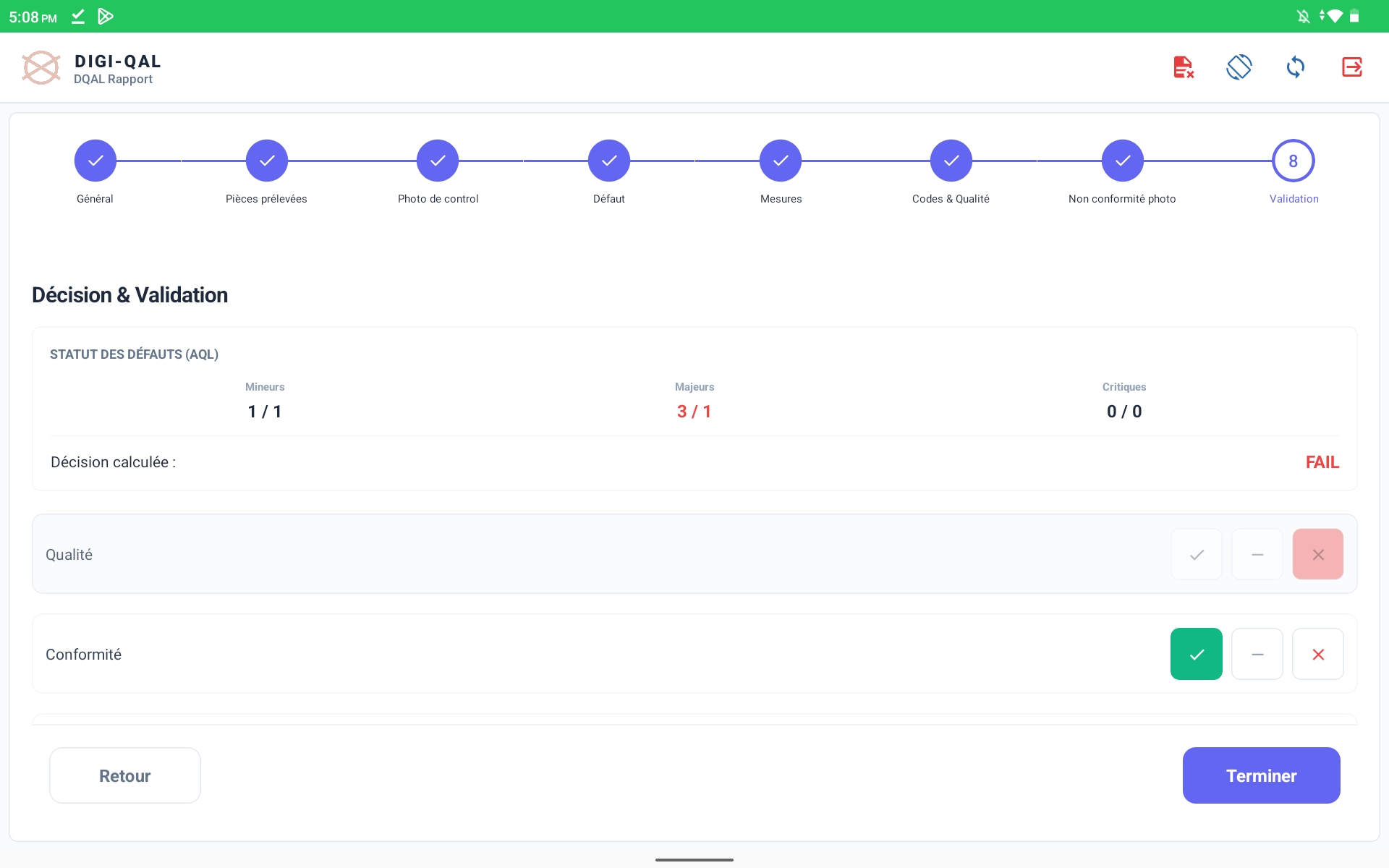
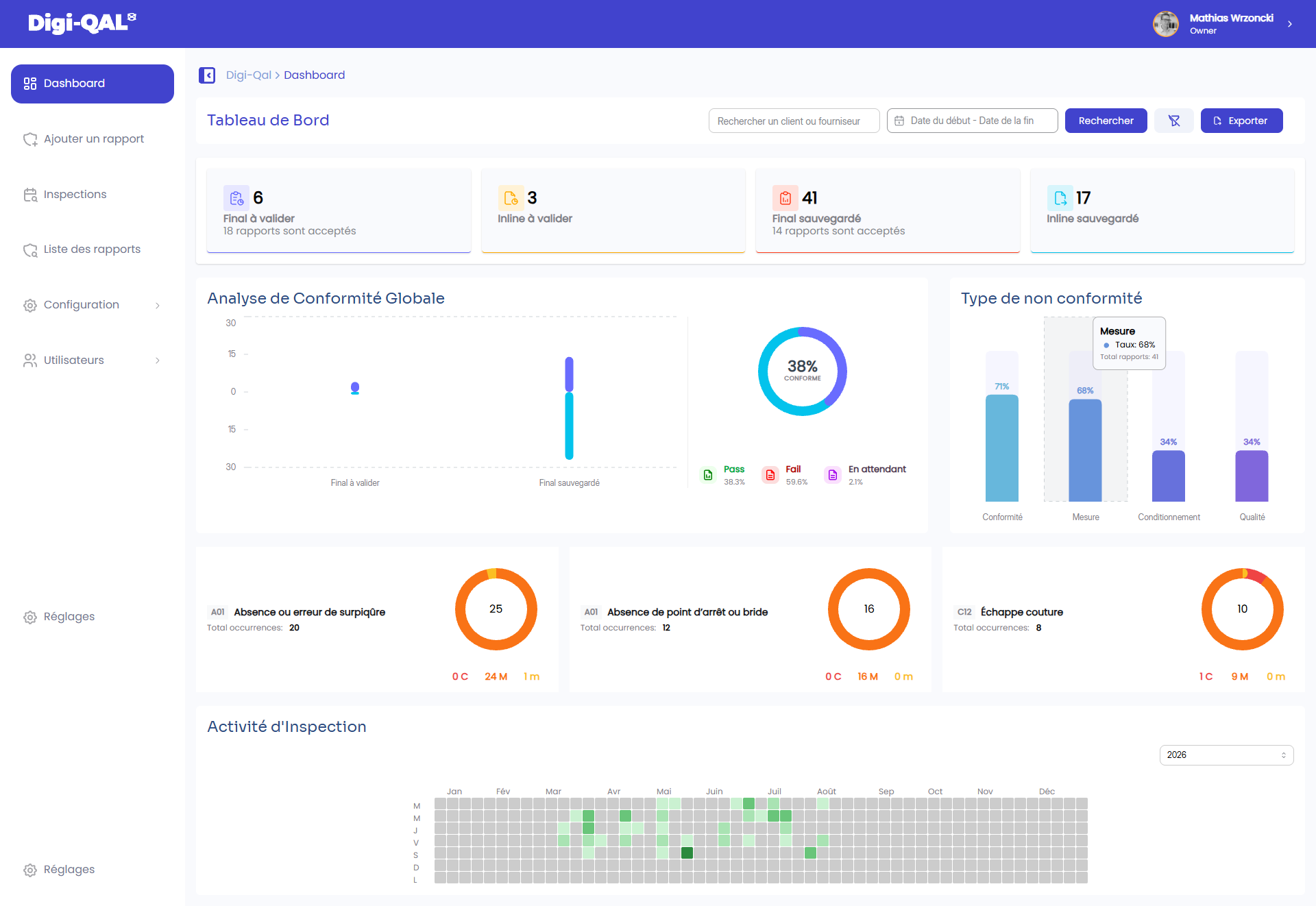
Select a step, swipe the screenshots or use the arrows. The first view shows neutral context setup in the dashboard; the next seven come from the supplied DQAL Rapport tablet application.
The flow makes technical checks, sample limits, images, classifications and AQL status visible before the inspector can close the report.
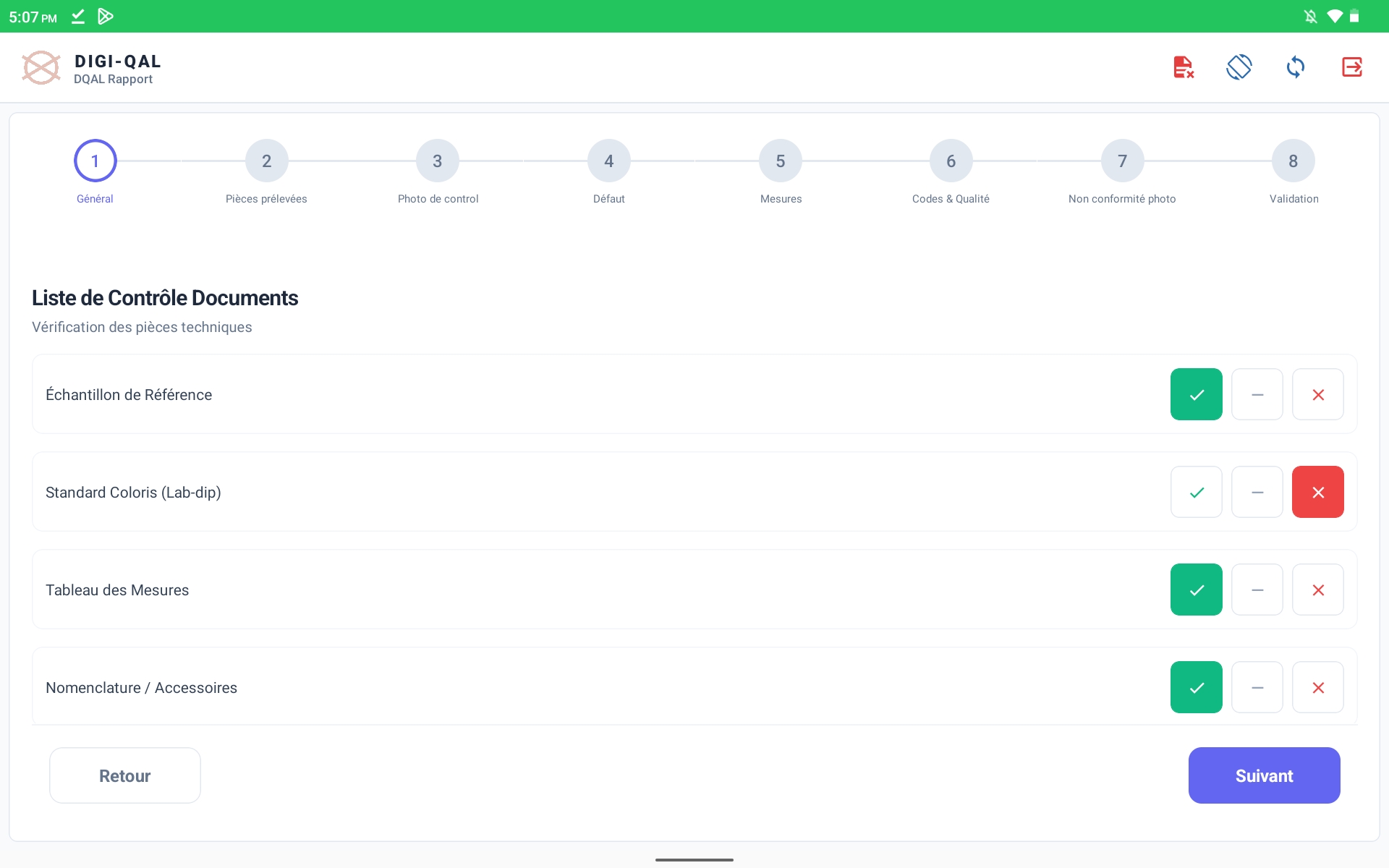
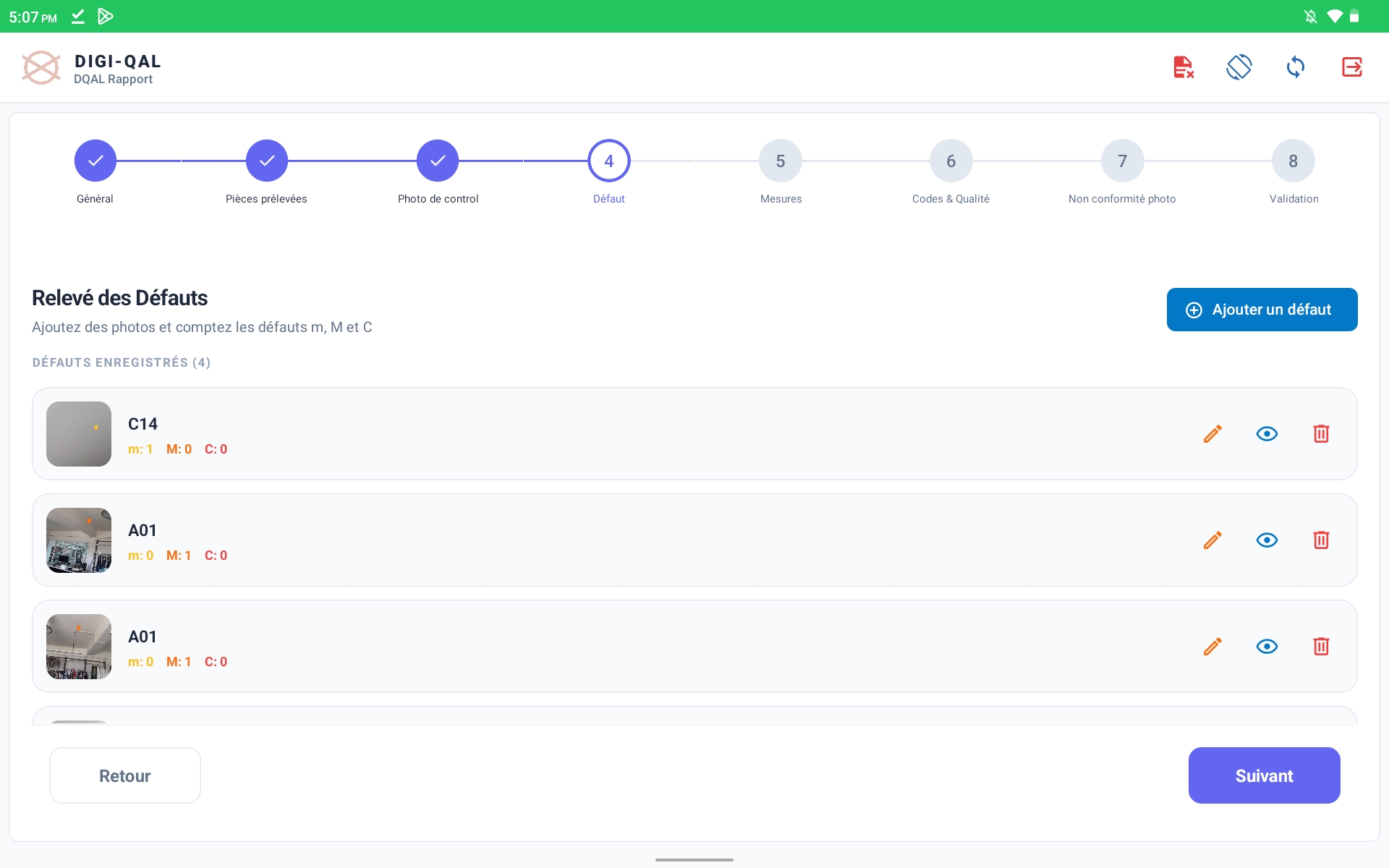
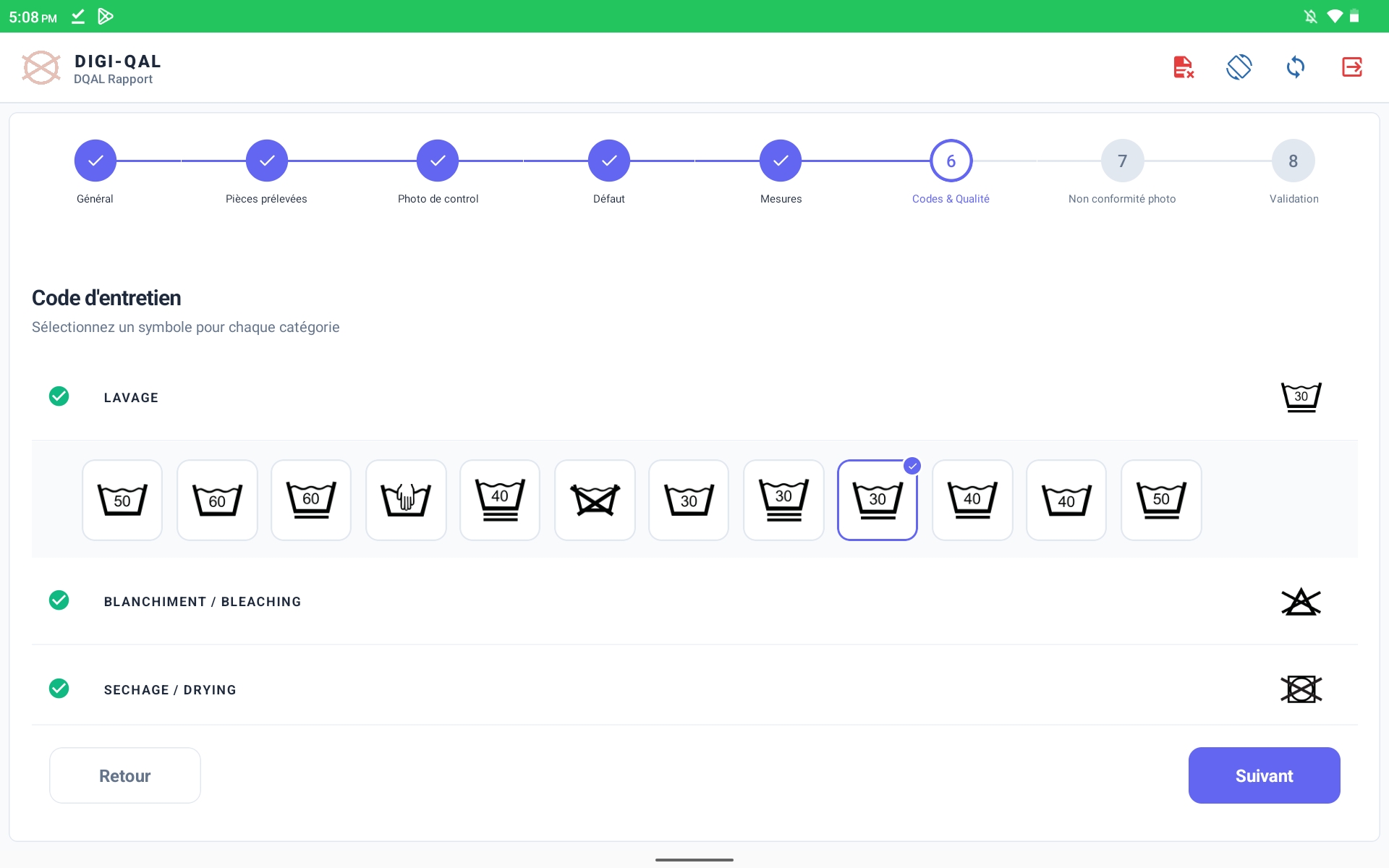
Inline and final reports preserve the operational references, evidence, dates and status. The web dashboard then brings pending work, completed decisions and quality patterns into one view.
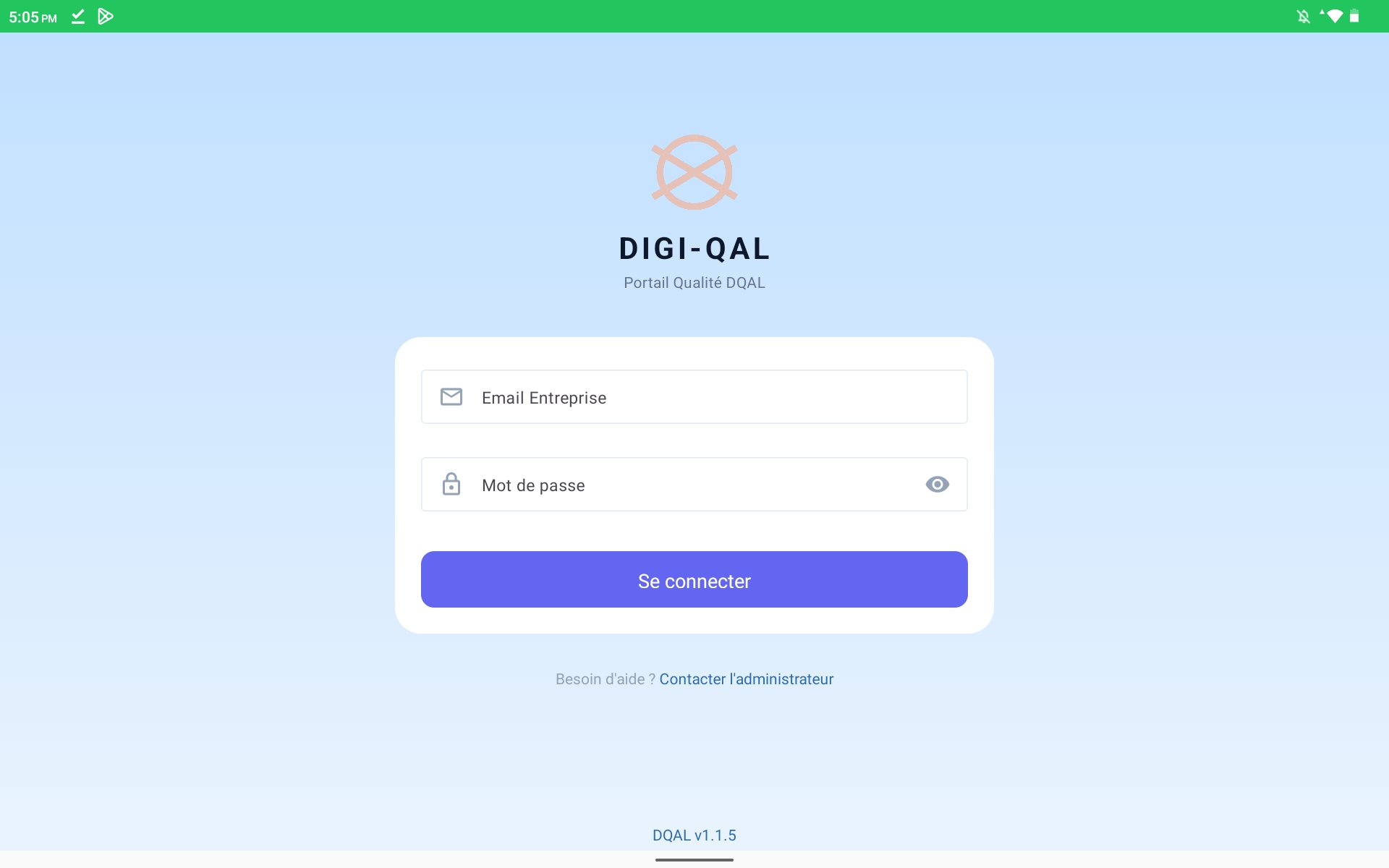
DQAL Rapport keeps the field experience distinct from administration while preserving the same report record. The supplied build identifies itself as DQAL v1.1.5.
Company email and password.
In progress, inline reports and final reports.
We will map your report setup, field checkpoints, AQL configuration and validation process to the platform.
Book a demo →